How Long Should Australian Businesses Keep Records Before Shredding Them?
For most Australian businesses, the safest starting point is this: don’t destroy records until the required retention period has ended.
Most Australians now manage money, health, work and government services through a mix of apps and online portals. That convenience comes with a quiet risk: the personal details stored on devices don’t always leave when the device does.
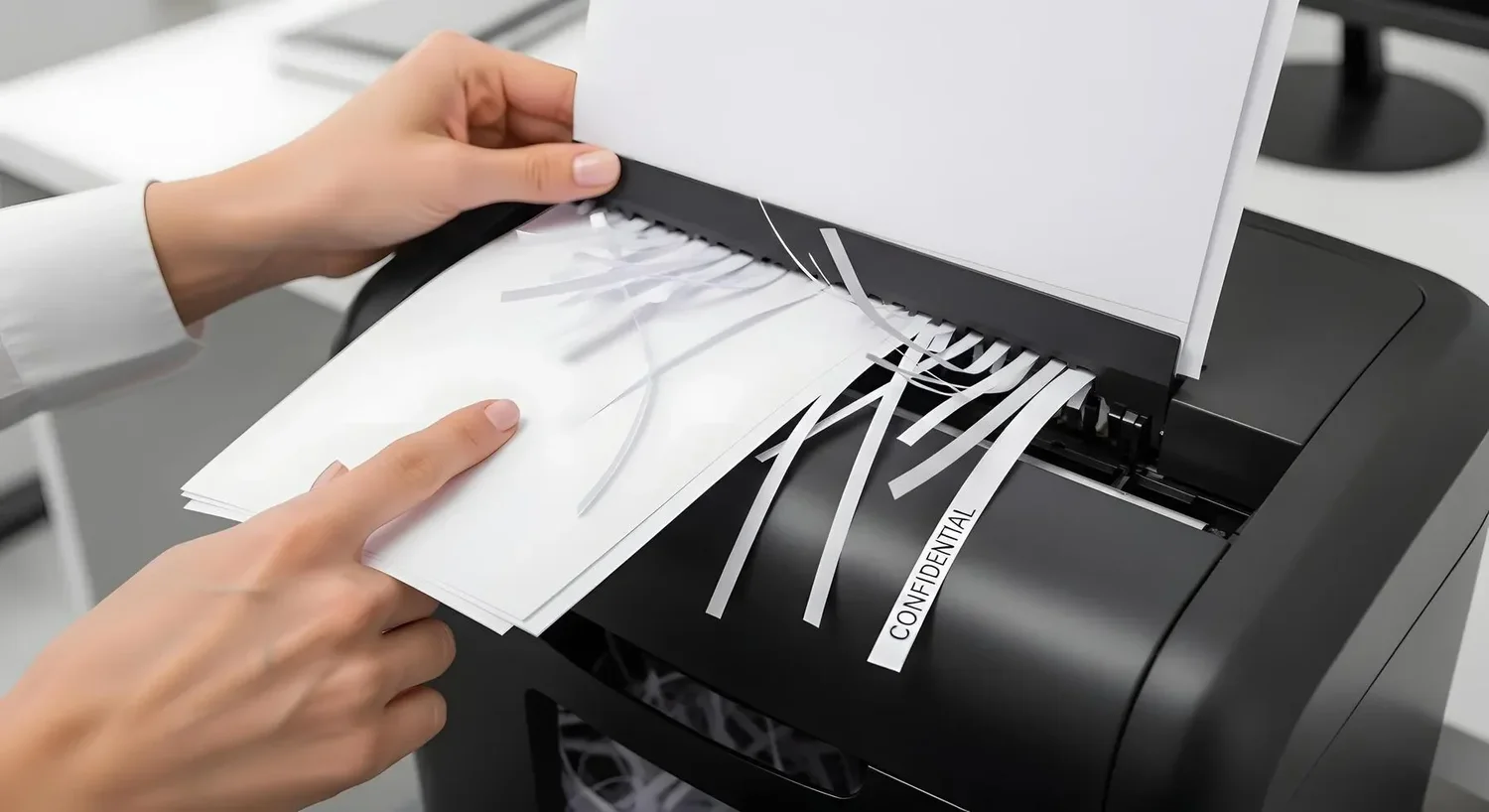
Scammers are getting better at turning scraps of information into convincing contact. In that environment, physical data destruction is a sensible safeguard for anyone who retires, donates, sells, or recycles devices.
Scamwatch has flagged a rise in “deepfake” celebrity-style investment scams that use AI-generated videos and fake news pages to push people into handing over money. The same tools that generate those messages also help scammers personalise them, especially when they already have names, phone numbers, invoice templates, or account history.
Deleting files usually removes easy access, not the underlying data. A quick format or factory reset can leave recoverable traces, depending on the device and settings.
The point isn’t that every reset fails. It’s that many people can’t confirm what their reset actually did.
That uncertainty matters because fraud doesn’t require a full database. A partial customer list, a handful of emails, or old scans of identity documents can be enough to build a targeted scam.
Paper shredding is familiar. Digital leftovers are easier to miss, because storage turns up in unexpected places.
Common examples include:
When the risk is high, physical destruction removes guesswork. The Australian Signals Directorate says media should be sanitised, destroyed or declassified before release into the public domain, and that an authority should formally authorise release because a small residual risk can remain.
Sometimes you can’t sanitise a device at all. An equipment that cannot be sanitised shall be destroyed.
Secure disposal often fails in the messy middle. Devices get placed in “to be recycled” piles. A staff member takes a box home to “sort later”. A phone gets sold online without anyone checking what accounts were signed in.
A workable approach is simple and repeatable:
This is where a certificate of destruction earns its keep. It gives you a record that destruction occurred, not just a belief that it probably did. For organisations, that’s useful for governance and insurer questions. For households, it provides peace of mind when you’re clearing out years of devices.
Also Read: Top 5 Benefits of Secure Document Destruction Services in Sydney
Physical data destruction permanently renders data unrecoverable by destroying the storage media itself (for example, shredding or disintegrating drives). Use it when devices held sensitive information such as identity documents, customer records, payroll, medical details, or financial data. It’s also a strong option when you can’t verify a wipe.
Sometimes it is, but results depend on the method and the device. Quick resets and basic wipes may leave recoverable data. If you don’t have a reliable process to confirm the sanitisation worked, destruction reduces uncertainty and removes the “did I do it properly?” problem.
Scammers use leaked or discarded data to make contact feel legitimate. Even small details help them write believable emails or SMS messages, and AI tools can scale that personalisation. The less usable data left on retired devices, the less material scammers can exploit.
On-site services destroy media at your premises, which can suit organisations that want staff to witness the process. Off-site services collect and transport media securely to a destruction facility. In both cases, ask about chain of custody, tracking, and reporting.
Back up what you need, sign out of accounts, and remove SIM and memory cards. If the device stored sensitive information and you’re not confident in secure wiping, use a reputable destruction service rather than donating or reselling. Keep a simple note of what you handed over.
For most Australian businesses, the safest starting point is this: don’t destroy records until the required retention period has ended.
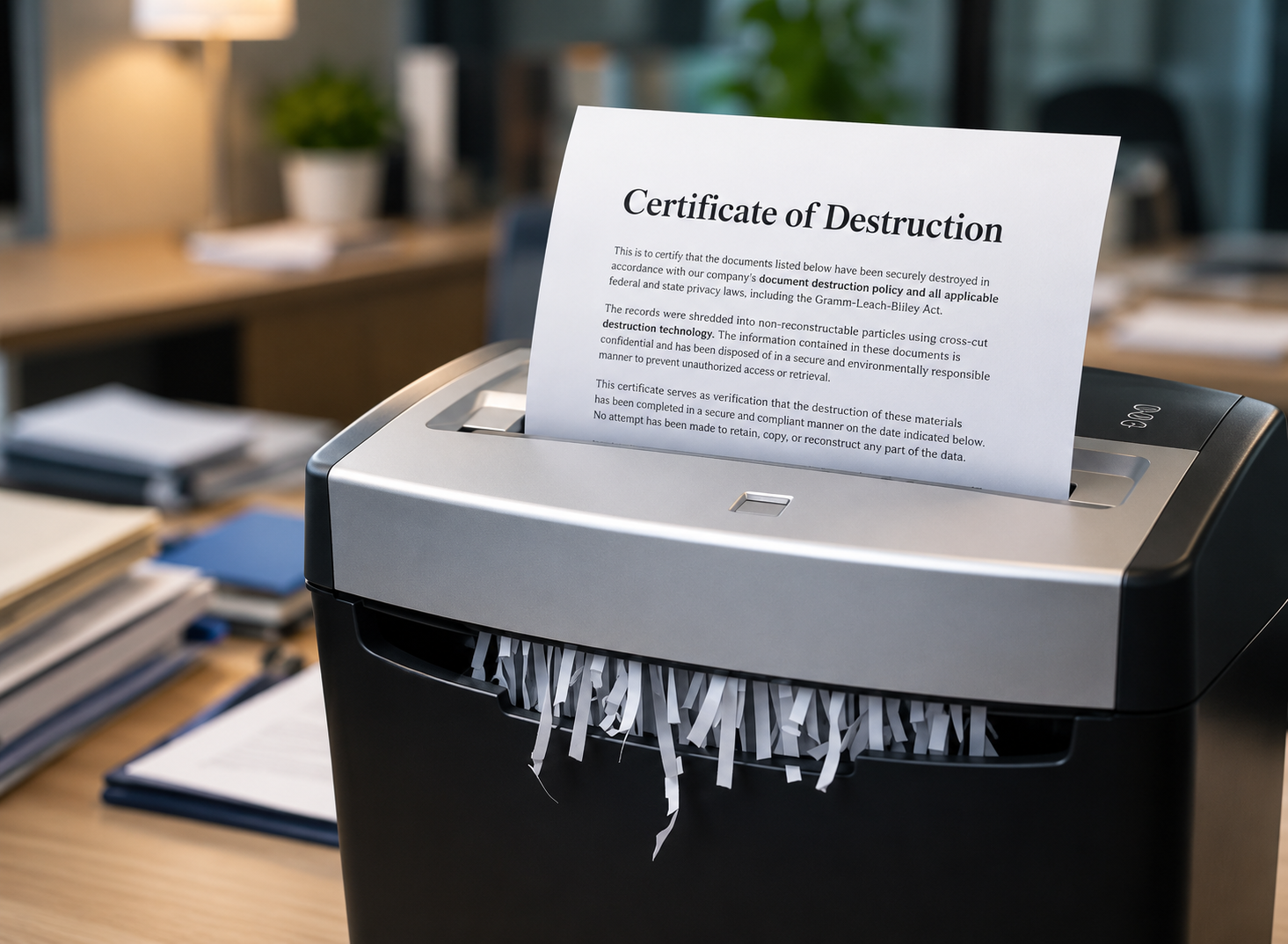
A Certificate of Destruction is one of the most important documents your business can hold after a shredding job. Yet many organisations misunderstand what it actually guarantees. Getting this wrong can leave you exposed during a compliance audit or a data breach inquiry under the Privacy Act 1988 (Cth). Here is a clear-eyed look at what the certificate confirms and, just as importantly, where its limits lie.
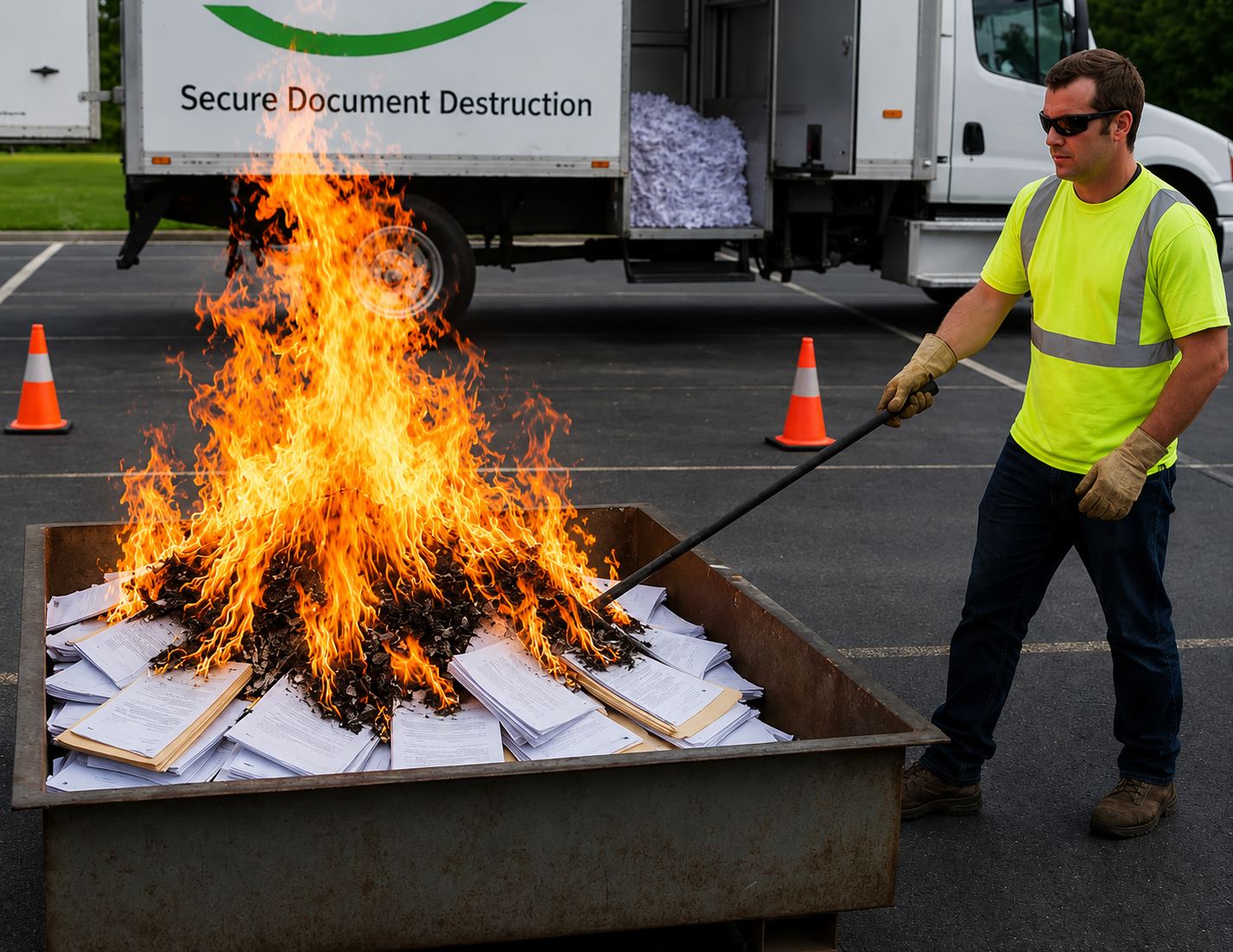
A quick burn can feel like the simplest way to clear out old paperwork. Yet for many households and small businesses, the safest approach is mobile document shredding services that destroy information on-site/off-site and leave far less to chance. Burning can create privacy gaps, safety hazards, and a mess of compliance headaches that only show up when it’s too late.
Book online in minutes. Pick your date and
we'll take care of the rest in a single visit.

© 2026 HelloShred | Privacy Policy | Website Designed & Developed by